
How to Choose Photos and Videos for a Digital Christmas Ornament
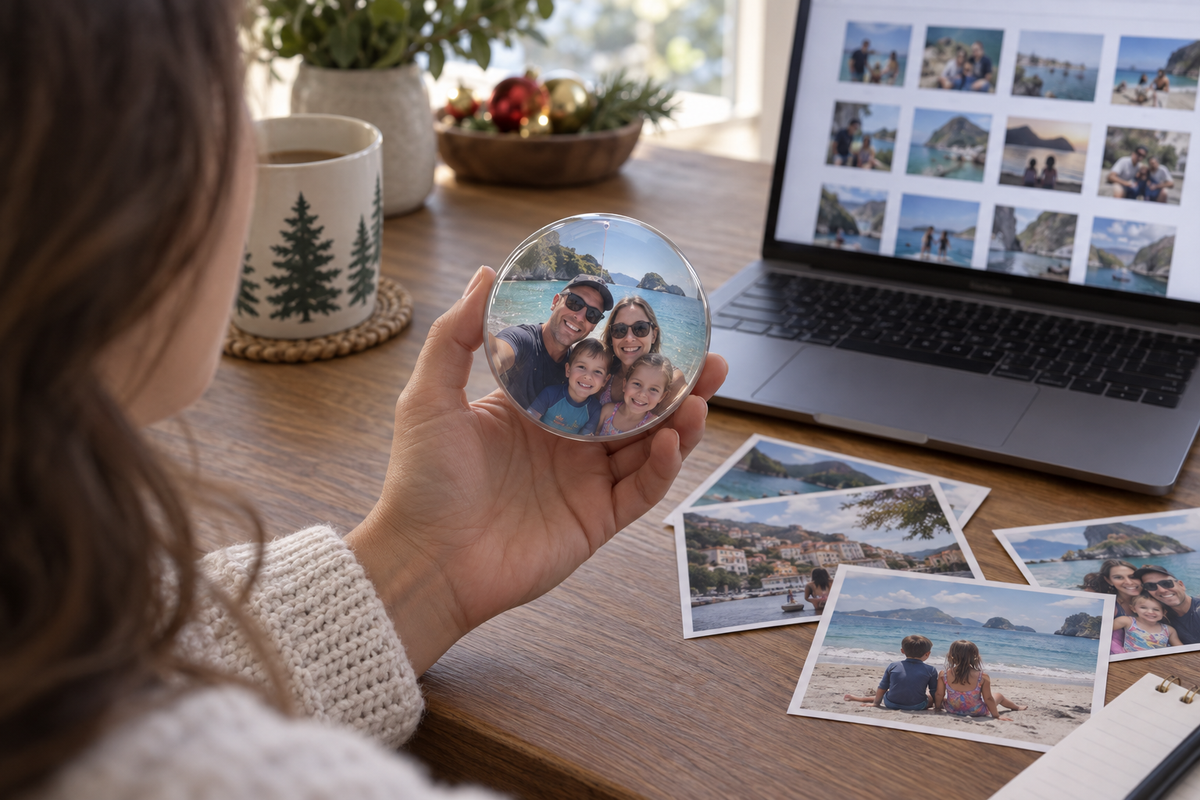
The best memories for a digital Christmas ornament are not always the most carefully posed.
A short clip of a familiar laugh, a child dancing in the kitchen, or a dog running toward the camera can tell a story immediately.
Choose memories with the recipient in mind
When preparing a Be Joyful Forever Orb, start with a small selection of memories connected to the recipient. Consider a favorite person, a shared trip, a family tradition, or a pet they adore.
Choose images with clear subjects. Because the display is round, check the preview carefully so important faces and details remain visible. Simple compositions are a useful starting point.
For videos, listen to the sound as well as watching the picture. Background noise or very quiet speech may make a meaningful clip harder to enjoy.
Prepare and check your files
The Forever Orb accepts personal photos and videos transferred by USB, without Wi-Fi or an app. Check the product instructions for supported file formats, storage limits, and preparation requirements before transferring your selection.
Test the finished result before wrapping the gift. Keep the original files backed up separately.
If you are including private family moments, ask the people involved whether they are comfortable with those memories being displayed or given as a gift.